Seamless ID & Banking Access
- Role: Lead UX Designer → Team Lead
- Timeline: 2+ years
- Scope: Product UX from scratch, testing, design system, team scaling
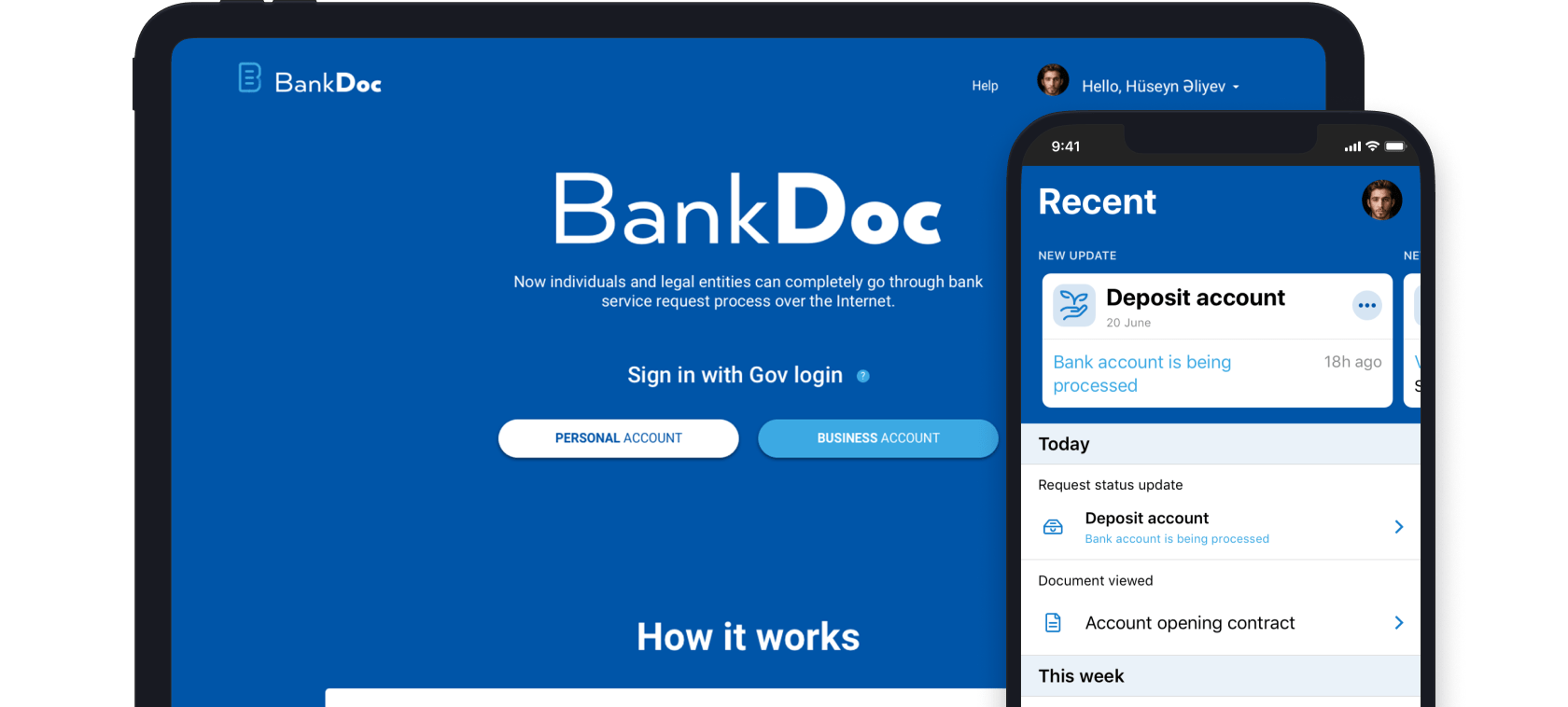
- Designed full product flows for web and mobile
- Defined personas and supported edge cases (mobility, accessibility)
- Created modular, scalable UI system with reusable blocks
- Built live prototypes for testing and onboarding
- Ran user testing and adapted flows based on real feedback
- Led transition from Sketch to Figma and grew team to 3 designers

Access and onboarding
This group includes the homepage, which serves as the entry point.
Emphasis was placed on clarity and trust — no redundant steps, just the essentials to help users understand the service and feel at ease.

Requests and product management
This section allows users to track and manage active and completed requests.
Each request includes a detailed view where users can take action — such as uploading documents or joining a video call.

Documents
Documents are organized into three categories — personal, bank-issued, and shared — making it easier to find, review, and manage files.
Users can control access by sharing or revoking permissions, and track the full history of document use, including all signatories.

Activity
This section provides a timeline of recent events — including request updates, document status changes, and system notifications.
It helps users stay oriented and quickly return to recently viewed items.

Settings and preferences
This section gives users control over personal information, security options, notification settings, and privacy preferences.
It’s where users manage how the service interacts with them — from contact details to consent and visibility settings.
